Camera control for broadcast, cine and every live production
One panel for the cameras you already own
System cameras, mirrorless on gimbals, PTZ heads and POV minis: every brand ships its own remote, and none of them match on a live cut. Cyanview puts many brands of cameras on one shading surface, in the truck or an ocean away.
The problem
Control is the bottleneck of the modern multicam
Cameras got cheap, small and excellent. Controlling them did not keep up.
The matched-camera tax
Traditional CCUs control only their own brand. The moment a second brand enters the floor, shading splinters across panels, apps and remotes.
Specialty cameras multiply
Every production now mixes system cameras with mirrorless, PTZ and miniature POVs. Each one adds a control silo just when the cut demands they match.
Distance breaks control
Remote venues and distributed productions used to mean a truck and a travelling crew at every site, or cameras nobody shades at all.
01 · UNIFY
One panel, many brands
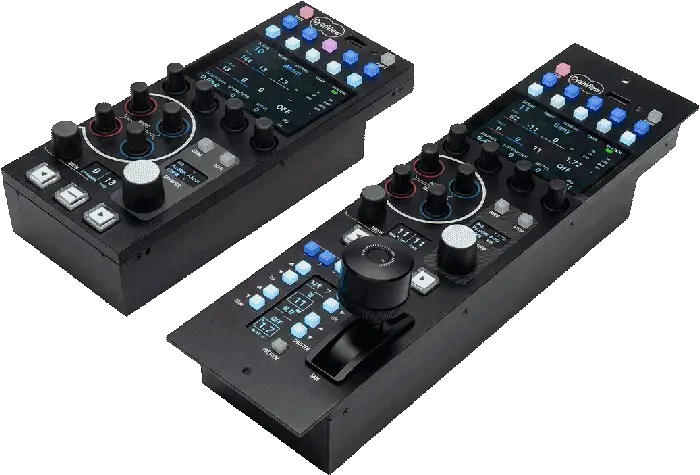
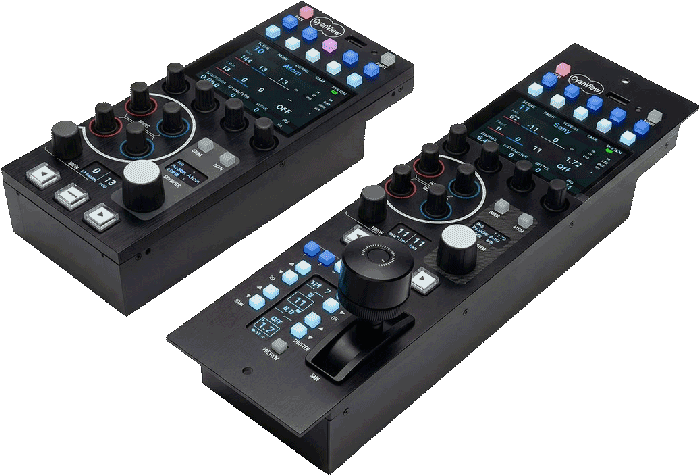
One RCP speaks dozens of protocols: Sony, RED, Panasonic, Blackmagic, PTZ and mirrorless side by side as numbered channels, up to 128 cameras under the MSU licence.
The RCP and RCP-J →02 · GO REMOTE
REMI: remote production
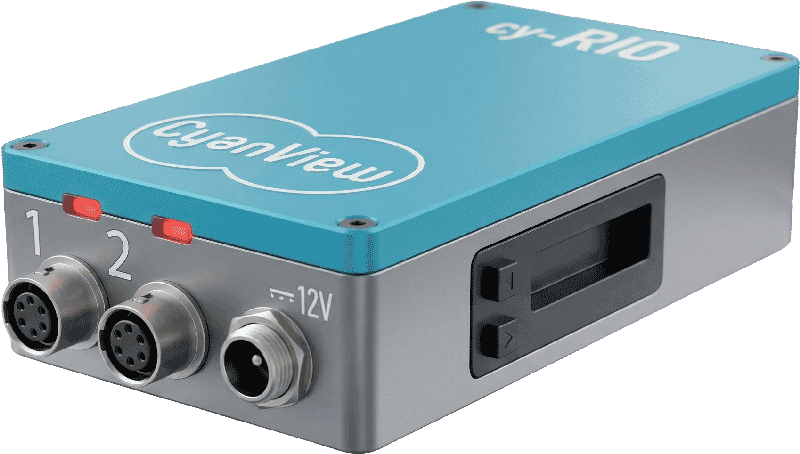
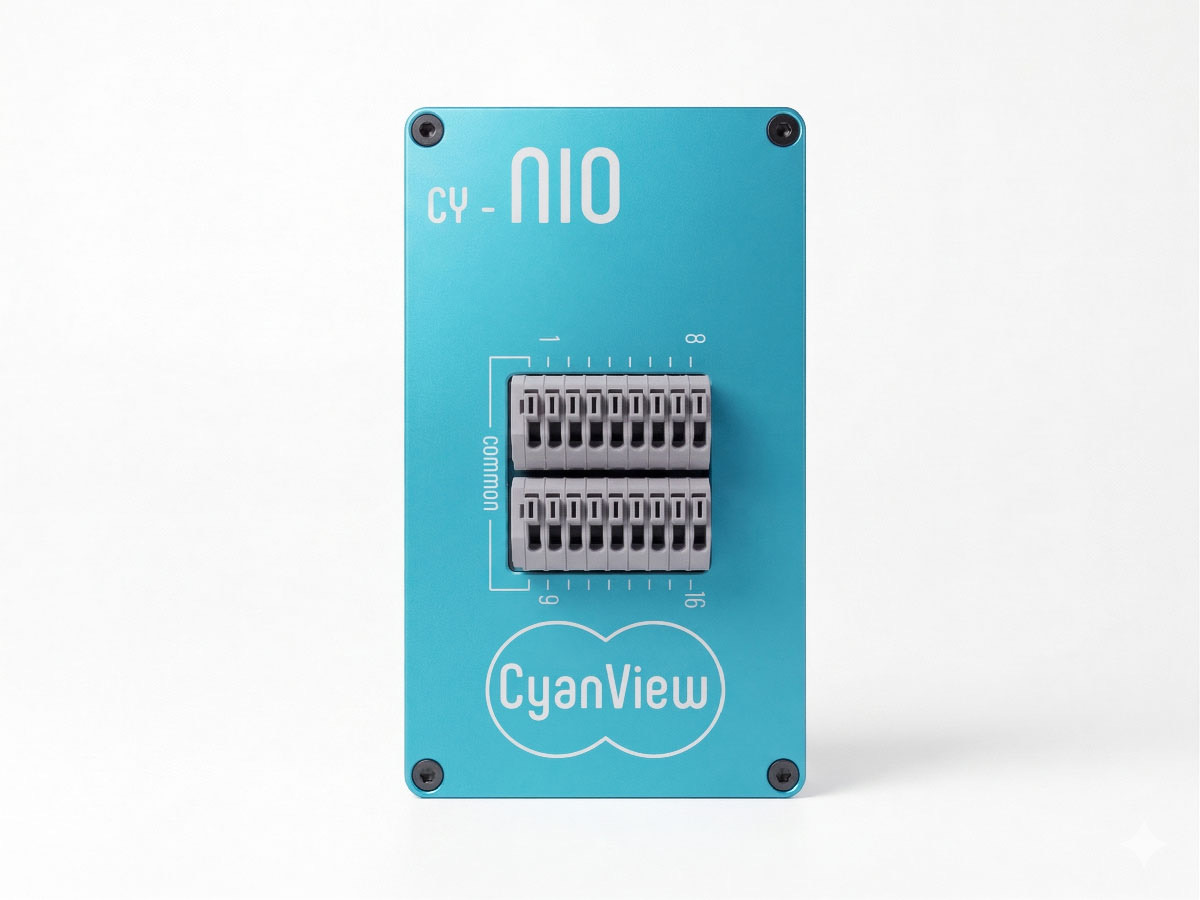
Put a RIO next to the camera and control rides any IP link, 4G/5G included, through the REMI cloud. Cloud control is included free on RCP and RIO WAN. The camera comes home to your panel.
The RIO →03 · COMBINE
Local + remote, one surface
House cameras ride the LAN, remote ones ride the cloud, and both surface on the same panel as ordinary numbered channels. The join is invisible to the operator.
See it per use case →The Cyanview answer
Three moves, one control room
At a glance
Built to disappear into the workflow
cameras from one RCP
under the MSU licence
brands and protocols
on one panel
operator shading
the entire floor
From the shading desk
The same handful of modules, recomposed for every show.
What changes between a stadium, a studio and a stage is rarely the kit. It is the topology, local, remote or combined, and the control surface you put in front of it.
From the field
What vision engineers and rental houses say
Quoted from published interviews and independent product reviews.
They have created an amazing interface to control almost every type of camera and lens that exists. The RCP can follow the video router, so I have instant access to any camera feed that my main monitor is switched to.
CyanView’s solution was a perfect fit for NEP, filling an important gap in the market for vision engineers and solving many problems related to the use of multiple cameras of different brands in complex workflows.
We need to remain flexible and responsive in our productions, where technical and visual demands vary greatly from one project to the next. CyanView’s RCPs not only simplify the work for our operators, but also offer compatibility with a wide range of cameras.
Cyanview has succeeded in making available to audiovisual professionals equipment featuring a lot of reliability and features… able to read the needs of a market where IP-based remote production (REMI) is increasingly popular.
1
Control
A surface to shade from: the RCP or RCP-J, with the browser Multi-Cam Dashboard alongside for configuration and live monitoring.
2
Interface, when needed
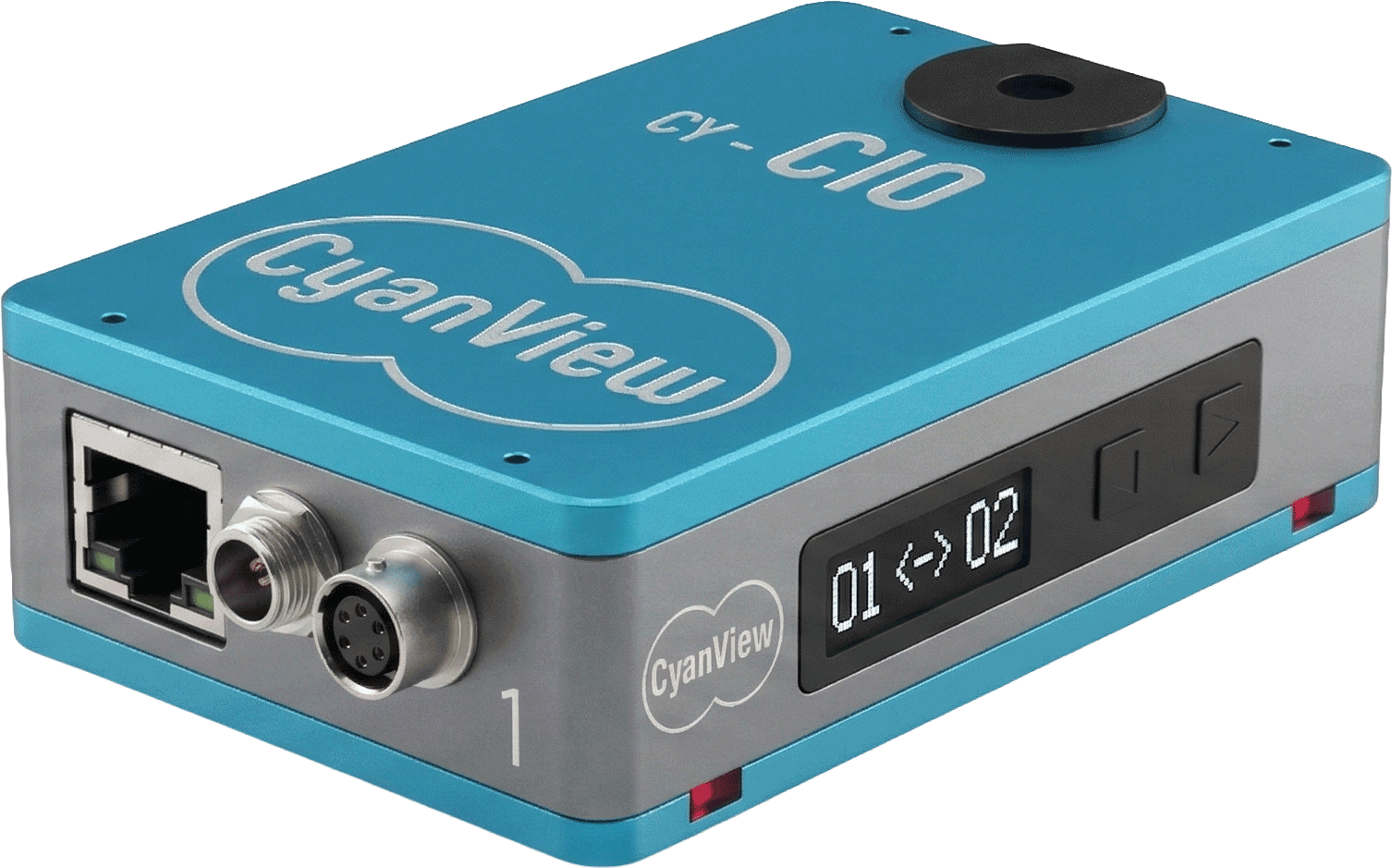
Only for cameras that do not already speak IP: the CI0 or RIO converts network commands into RS-485, LANC, VISCA, SBUS, B4 lens or USB-C.
3
Transport
Plain IP on one switch, across a building, or through the REMI cloud over 4G/5G when the production goes remote.
Across the industry
Where Cyanview lands
The cast
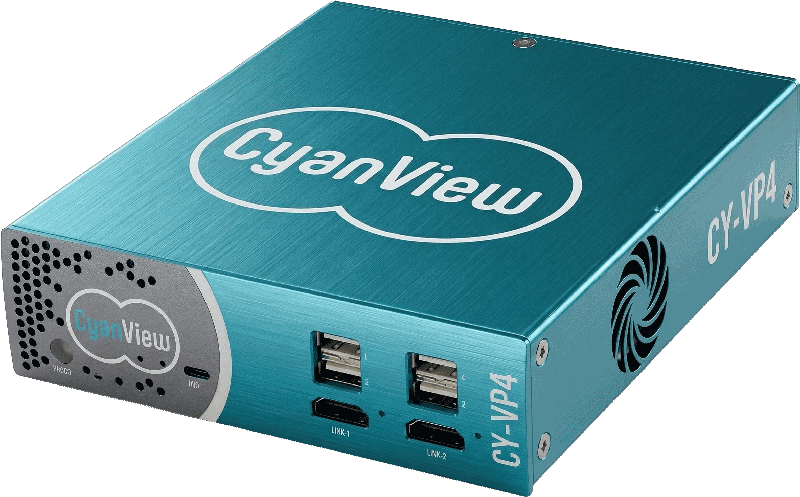
Five modules, every topology
Bring your camera list
Send us your truck sheet — brands, camera count and workflow — and we map the system with you.