Cyanview camera control products
Build a camera control system from five parts
Every Cyanview rig is built from the same cast: a control surface, interfaces where cameras do not speak IP, plain network transport, and optional colour and tally layers. Pick what your topology needs and nothing more.
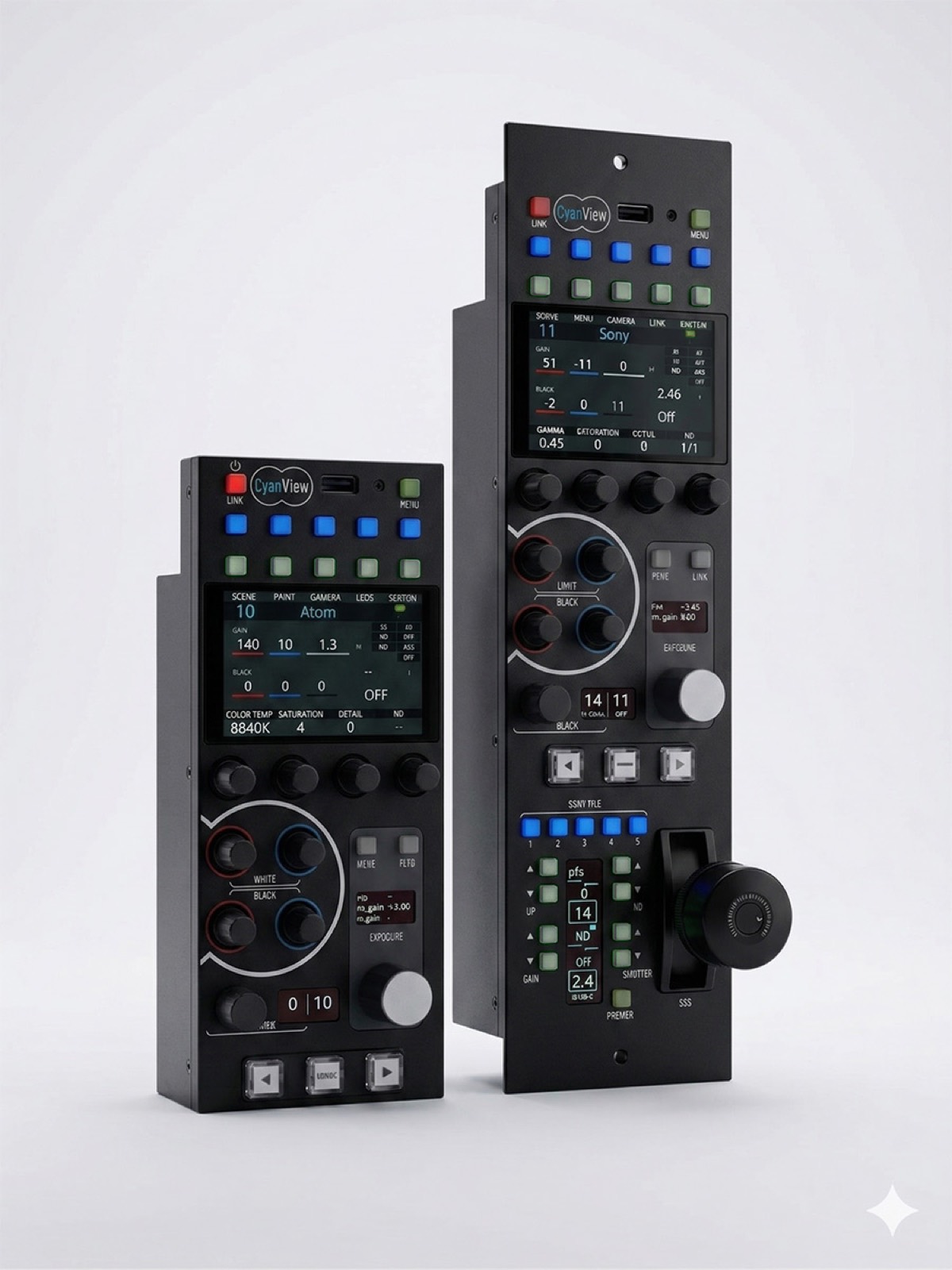
The cast
Five modules and a browser
| Module | Role | Interfaces | Max cameras |
|---|---|---|---|
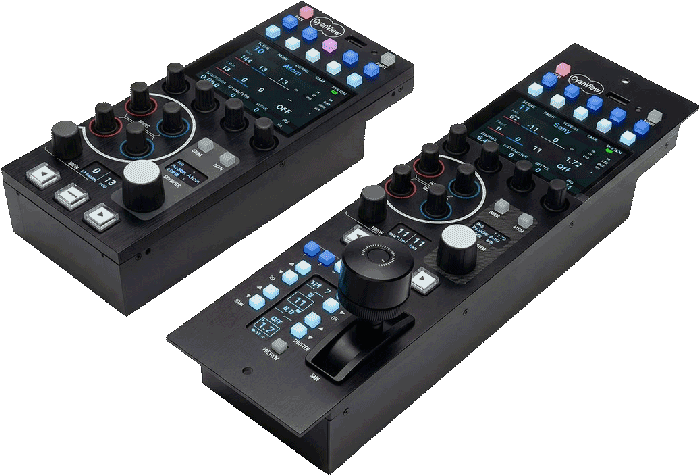
| RCP & RCP-J | Control surface — one panel for many brands | Network; joystick on the J | Up to 128 under the MSU licence |
| CI0 | Serial interface for cameras that do not speak IP | RS-485/232/422, LANC, VISCA, SBUS, B4 | Up to 3 serial ports |
| RIO | Standalone and remote interface next to the camera | USB-C, Wi-Fi, serial; LAN or 4G/5G | RIO LAN: 2 · RIO WAN: unlimited |
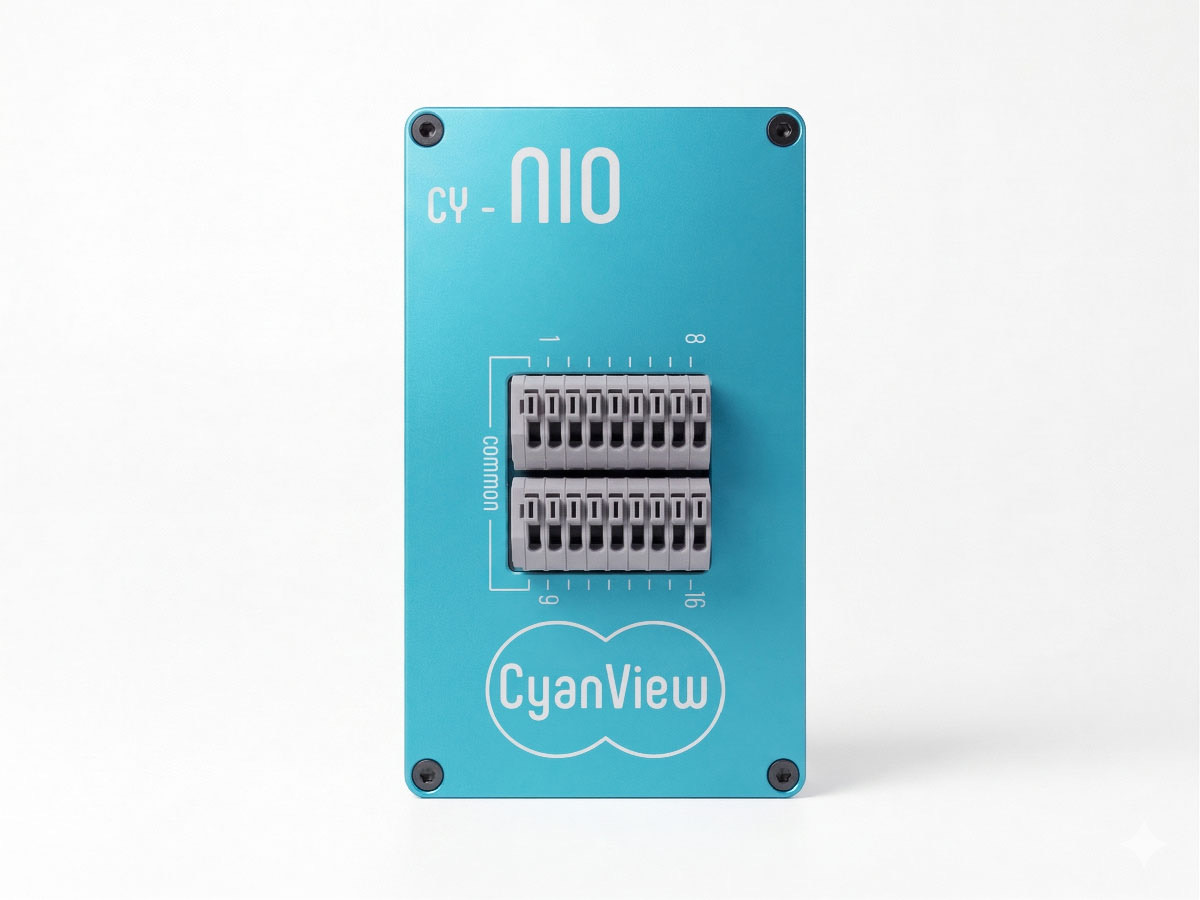
| NIO | Tally and GPIO gateway at the network edge | 16 GPIO over IP; stackable | Auto-discovered by the RCP |
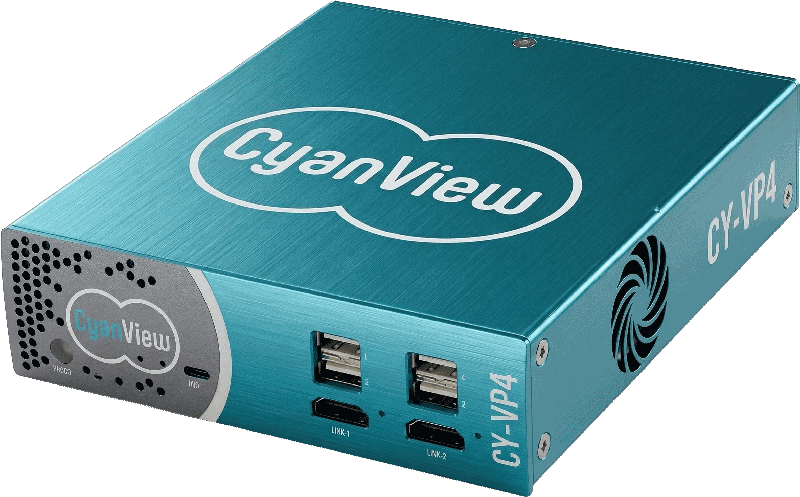
| The colour layer | CCU-grade colour matching on the control channel | VP4 and third-party correctors; 3D LUT | Shades on the same RCP channel |
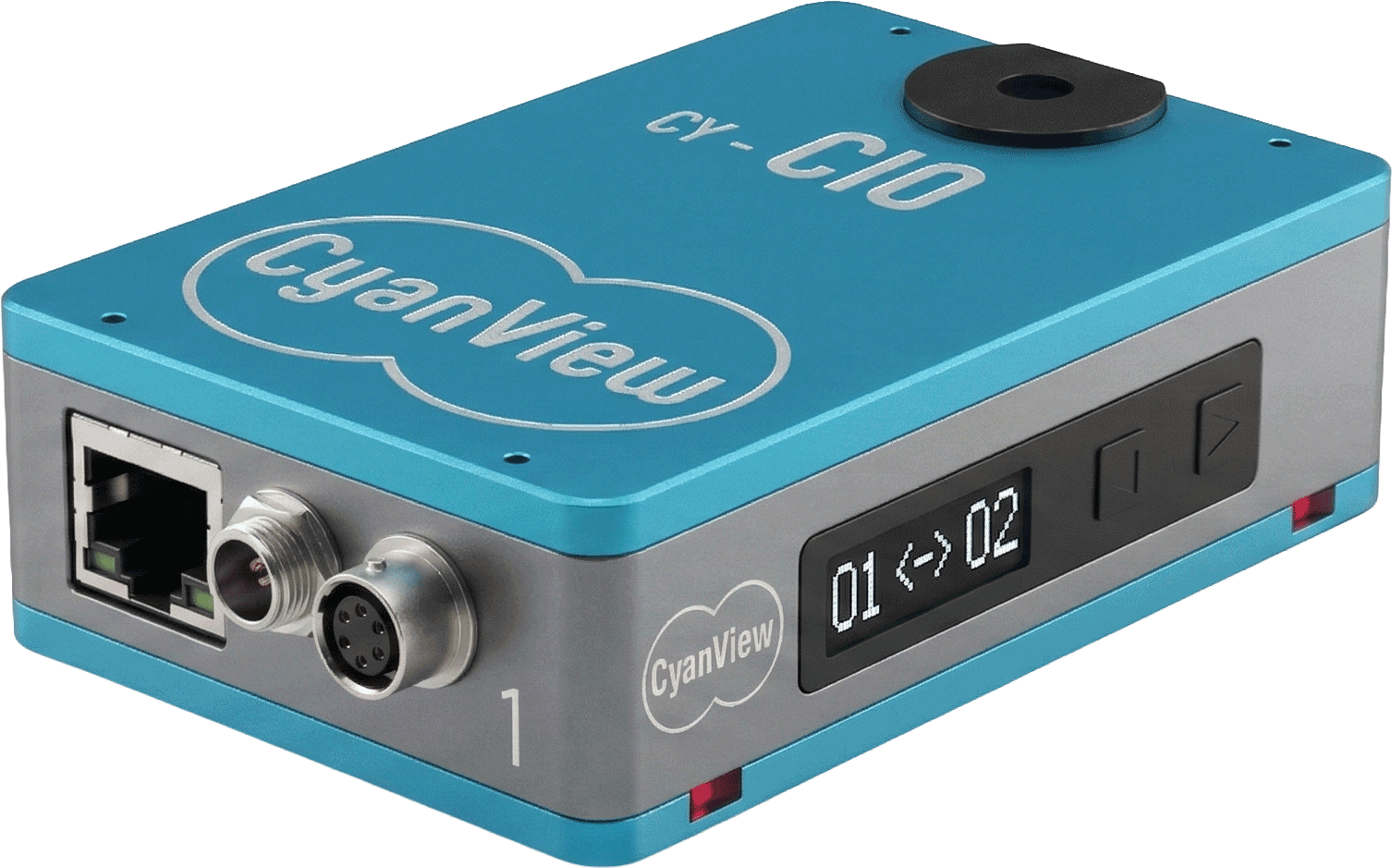
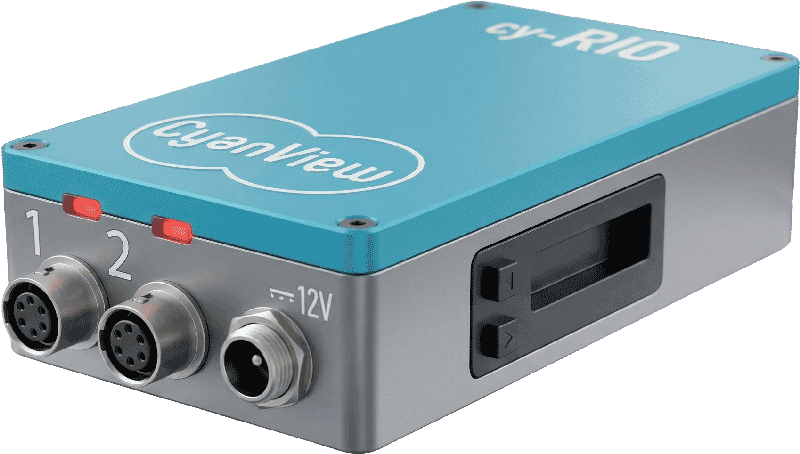
CI0 vs RIO: the one-line rule
Use a CI0 when the camera talks serial and the RCP is nearby on the same network. Use a RIO when you need USB-C or Wi-Fi, remote control over 4G/5G, or autonomy if the link drops.
Spec the rig with Cyanview
Brands, link types and distances in, a working topology out. The documentation covers the rest.
Talk to Cyanview Browse the manuals
Or step back: Cyanview overview · Browse by use case