Use case · TV channels and studios
Control every studio camera brand from one panel
Studios accumulate cameras over time: the legacy system chain, new IP bodies, a PTZ row for the second set, each with its own control story. Cyanview puts them on one panel and joins the router, tally and IP fabric you already run.
The problem
What makes TV channels and studios hard
CCU silos
A traditional CCU (camera control unit) controls only its own brand. Every added brand splits shading across another panel.
Infrastructure is already there
Router, tally and intercom predate the new cameras. New control must join the existing fabric, not replace it.
Two sets, one operator
Multi-studio operations need one shading position that follows the action across rooms.
One panel speaks them all
The RCP controls many camera brands and models on one surface: the system fleet, IP bodies and PTZ rows as numbered channels, up to 128 cameras under the MSU (Multi-Studio) licence.
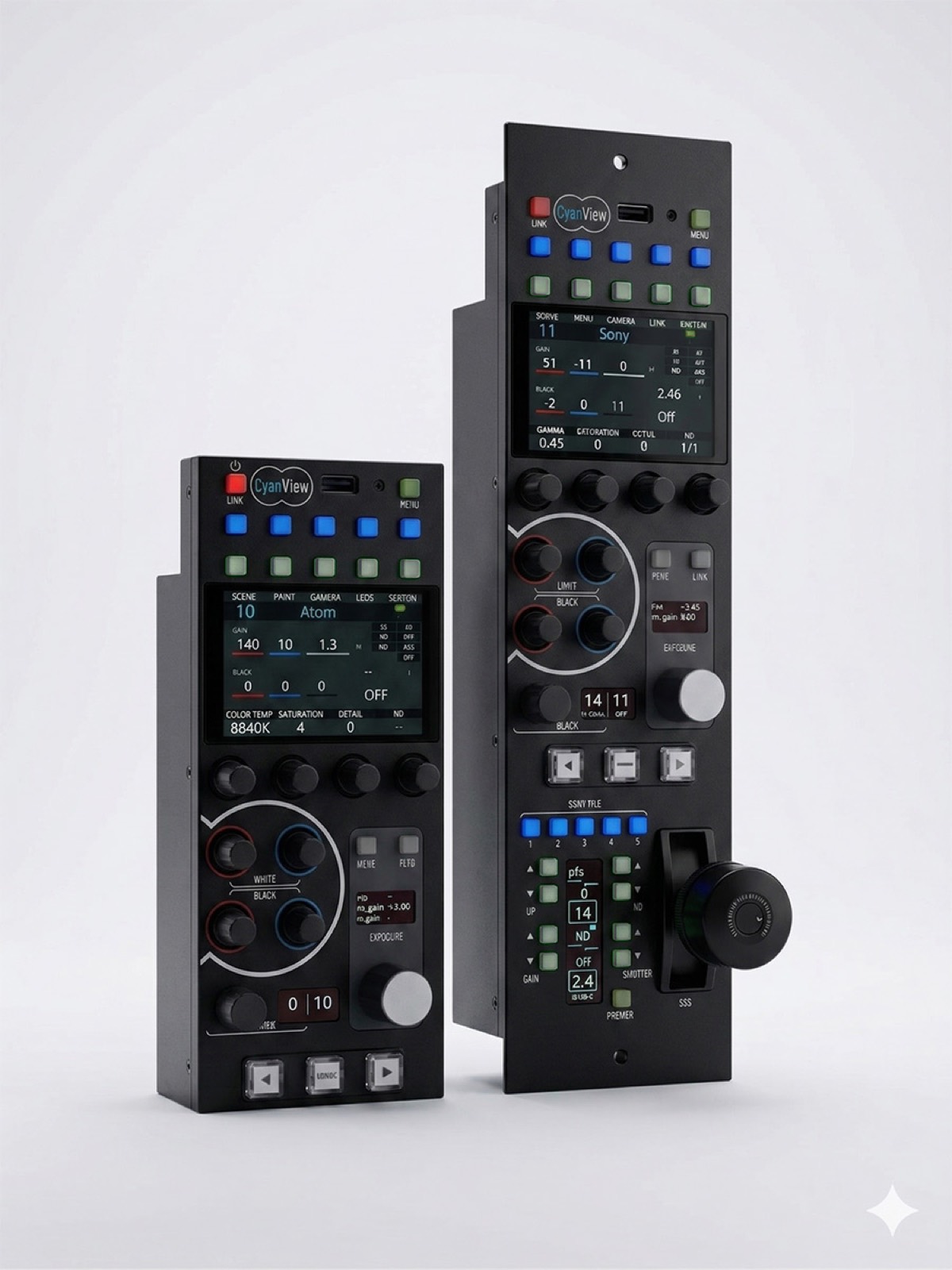
Joined to the house fabric
Tally flows in and out, the panel follows router selection with AUTO preview on camera change, and the NIO puts 16 GPIO on the network for lights and triggers at the edge.
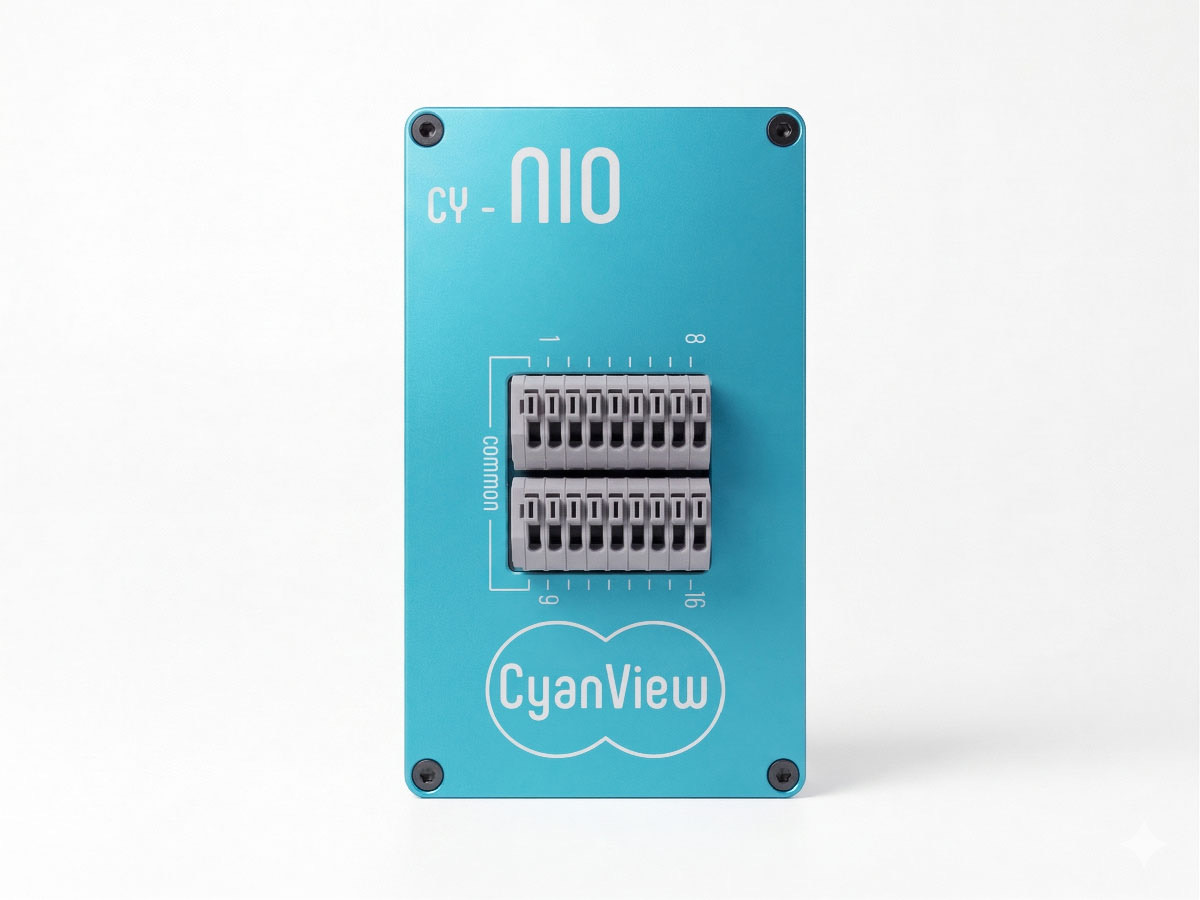
Map it onto your production
Cyanview and its integrators design the topology with you: cameras, interfaces, transport and the right control surface.