Use case · Cinema and episodic
Control cine and mirrorless cameras from one panel
Multicam episodic and live cinema shoots put Venice, RED and ARRI bodies next to mirrorless crash cams, with no native broadcast control ecosystem to tie them together. Cyanview shades them all from one panel and round-trips the look to post.
The problem
What makes cinema and episodic hard
No native RCP (remote control panel) ecosystem
Cine bodies assume a focus puller and a DIT, not a shader. Multicam live work needs central exposure and colour control anyway.
The grade lives in post
The look is built in Resolve, but the live cut happens on set, today, in that look.
Crash cams must blend
Mirrorless minis cover the angles the A-cameras cannot, and stand out for it.
Paint cine bodies from one panel
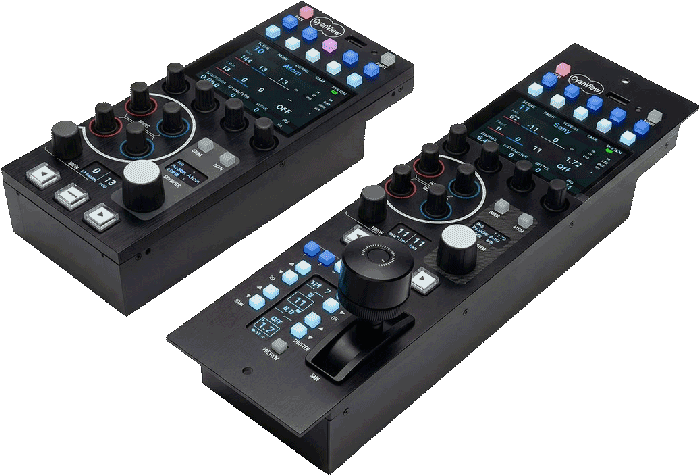
The RCP brings cine and mirrorless bodies onto one surface as numbered channels, so a shader or DIT balances the multicam cut centrally.
The LUT round-trip
Grade in Resolve, export the LUT (a .cube look-up table) to the RCP, shade live with camera and LUT on one channel, then hand the tweaked .cube back to post. The colour layer closes the loop between set and suite.
Map it onto your production
Cyanview and its integrators design the topology with you: cameras, interfaces, transport and the right control surface.