Use case · House of worship
Match every camera without a dedicated operator
Worship productions run on volunteers. PTZ cameras cover the room, a mirrorless adds the cinematic angle, and nobody sits to balance the picture (the job a broadcast shader does). Cyanview matches the cameras and holds the look every Sunday.
The problem
What makes house of worship hard
Volunteers, not engineers
The crew changes weekly. Anything that needs a trained shader on duty will eventually go wrong.
PTZ and mirrorless disagree
Two camera generations, two colour sciences, one screen. The difference shows on every cut.
Stage lighting evolves
Worship lighting moves between songs and seasons. A one-time white balance does not hold.
Set once, let it run
Configure every camera once, store the look, and let the system hold it. The Multi-Cam Dashboard gives a browser grid of every camera for monitoring; touch up occasionally from the panel or leave it alone.
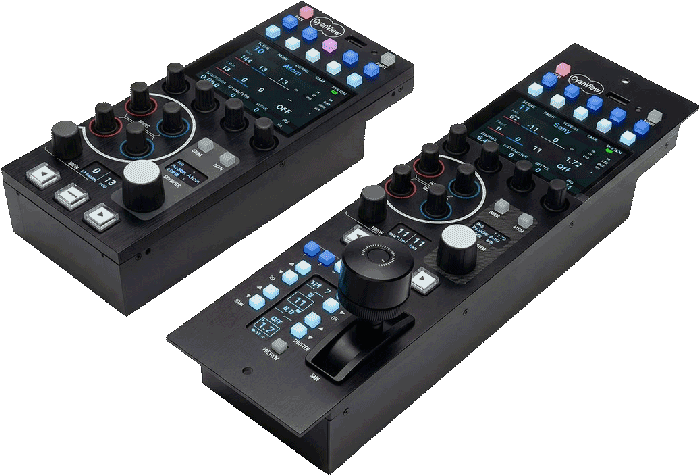
The colour layer does the matching
A colour corrector or 3D LUT box — a 3D LUT (look-up table) is a saved colour profile applied to the live picture — on the same control channel aligns the mirrorless to the PTZ fleet: real black, matrix and detail where the camera itself only offers exposure.
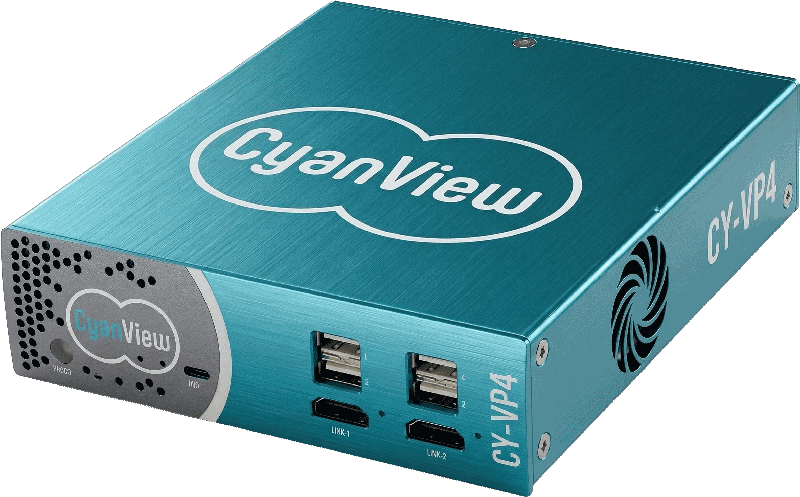
Map it onto your production
Cyanview and its integrators design the topology with you: cameras, interfaces, transport and the right control surface.